Life Organizer Tools
You probably don’t notice how much mental energy you lose by keeping tasks, dates, and ideas in your head. Life organizer tools give you one place to track what matters, so you can plan better, follow through, and cut down on daily friction. The right setup isn’t about using more apps; it’s about building a simple system that fits how you work and live.
Key Takeaways
- Life organizer tools centralize tasks, schedules, goals, and important information in one place.
- Choose tools that match your main need, whether simple tracking, shared calendars, or flexible reminders.
- Digital calendars help map work, family, and personal plans while quickly revealing conflicts.
- Task managers improve productivity by organizing, prioritizing, and breaking down work into manageable steps.
- Combining work and home planning in one system reduces mental clutter and supports better balance.
What Life Organizer Tools Do
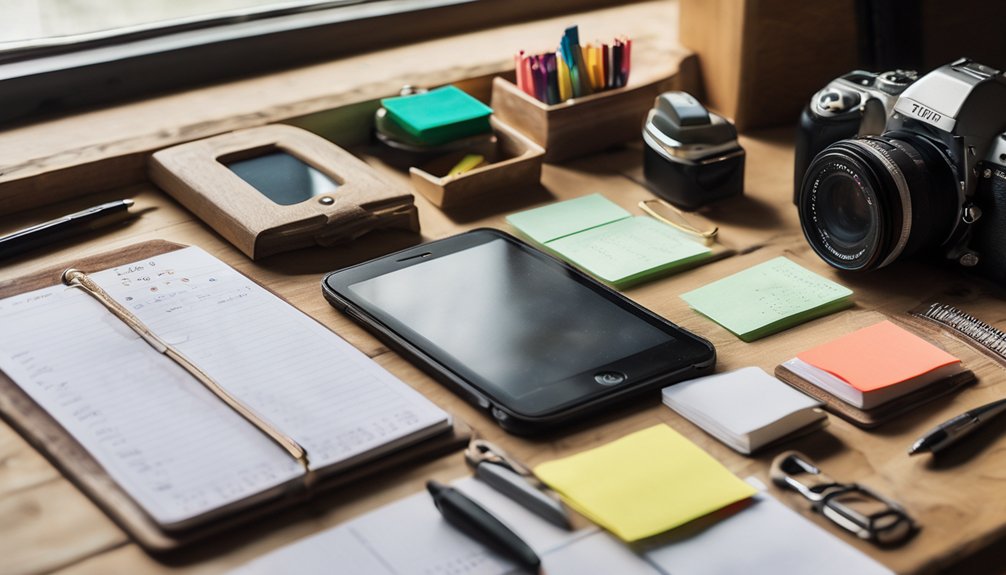
Life organizer tools help you keep daily tasks, schedules, goals, and important information in one place. You can track appointments, set reminders, store notes, and review priorities without juggling scattered lists. This gives you clearer time management because you see what needs attention now and what can wait.
You also build personal efficiency by cutting search time and reducing missed steps. Many tools let you group work, family, and personal plans, so you feel more in control and less alone in the rush of the day. When everything has a home, you stay focused, move faster, and follow through with less stress.
Over time, these tools support steady routines, help you stay accountable, and make everyday life feel more manageable.
How to Choose the Right One
Start by matching the tool to your biggest need: if you want simple task tracking, choose a basic planner; if you need shared schedules or reminders, look for app-based features; if you manage many moving parts, pick a system with categories, search, and sync across devices.
Then check your personal preferences and ask how each option feels in daily use. A strong user experience should make it easy to start, stay consistent, and feel confident.
- Test ease of setup
- Compare daily workflow
- Review search and sorting
- Check reminder flexibility
- Pick what you’ll actually use
Choose a tool that fits your routine and helps you feel in control, not overwhelmed. The right choice supports your goals and keeps you connected to your plans.
Use Digital Calendars for Planning
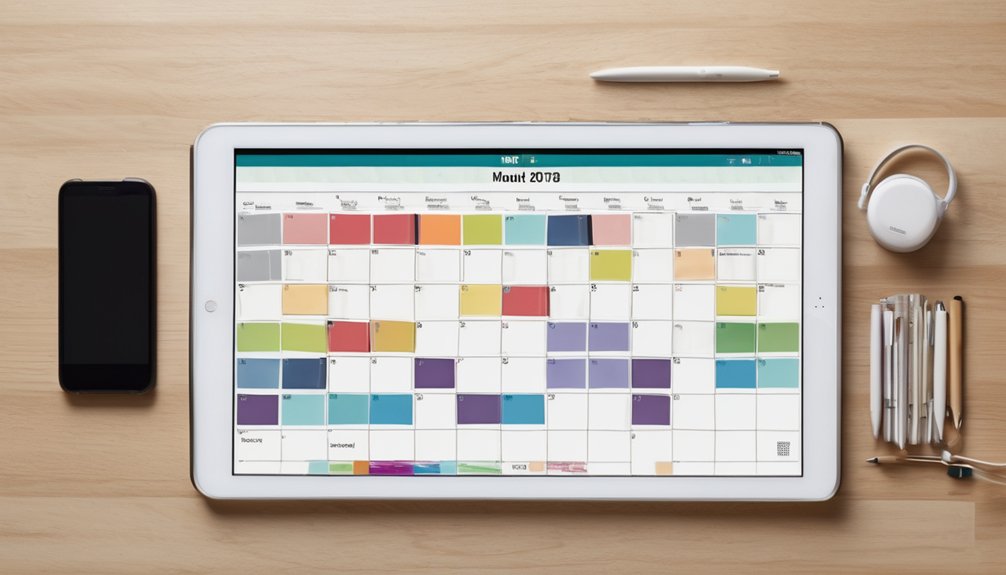
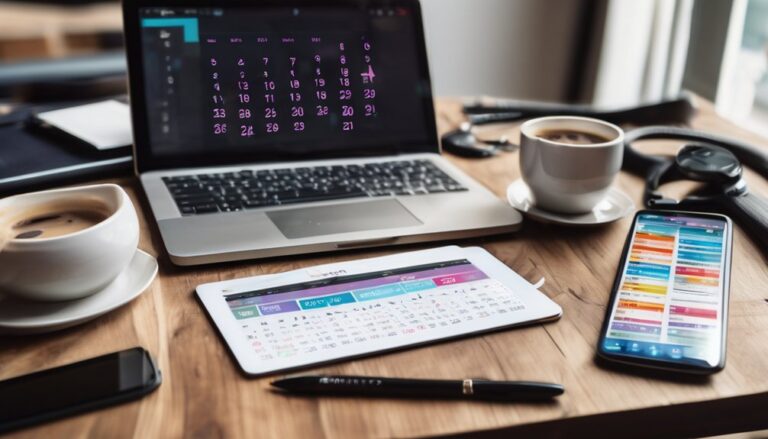
Once you’ve picked a tool that fits your routine, a digital calendar can help you turn plans into a clear schedule. You can map work, family time, and personal goals in one place, so nothing slips through the cracks.
One of the biggest digital calendar benefits is easy visibility: you see your week at a glance and spot conflicts fast. Use color codes, reminders, and recurring events as effective scheduling techniques to keep your plan simple and reliable.
When you update entries right away, you stay aligned with your day and with the people who count on you. A well-used calendar also creates a sense of shared rhythm, helping you feel organized, supported, and ready for what’s next.
Stay on Track With Task Managers
Task managers help you capture everything you need to do and turn it into a clear, workable list. You can sort tasks by urgency, break big jobs into small steps, and see what matters most today. That structure keeps you grounded and connected to your goals.
- Use task prioritization strategies to focus first
- Assign due dates so nothing slips
- Group similar tasks to save energy
- Review your list each morning
- Apply productivity enhancement techniques for steady progress
When you check items off, you build momentum and feel part of a system that supports you. A task manager doesn’t replace your effort; it guides it, so you can stay organized, confident, and ready for what’s next.
Build Better Routines With Habit Trackers
Habit trackers help you turn good intentions into repeatable actions, so you can build routines that actually stick.
Choose one or two habits that matter most, then link them to something you already do through habit stacking. Keep the tracker visible, simple, and easy to update each day. That small check-in gives you progress monitoring without extra effort, so you can see patterns before motivation fades.
If you miss a day, don’t quit; reset and keep going. You’re not doing this alone—many people build better days by tracking the same basics together.
Celebrate streaks, but focus on consistency, not perfection. Over time, your routine feels less forced and more natural.
Capture Ideas With Note-Taking Apps
Where do your best ideas go when they show up at the wrong time? You can catch them fast with note-taking apps that fit your day.
Use simple note taking strategies: create one capture space, tag ideas by theme, and write short next steps. That keeps your thoughts close, clear, and ready when you need them.
With effective organization, you won’t feel scattered or alone with your ideas; you’ll build a system that feels supportive.
- Save thoughts in seconds
- Use tags for fast sorting
- Pin key ideas for review
- Add voice notes on the go
- Search past notes instantly
Manage Work and Home in One System
Once you’ve captured ideas quickly, the next step is keeping your work and home life in one place. You can reduce mental clutter by using one calendar, one task list, and one reference hub.
Put meetings, family events, errands, and deadlines beside each other so nothing gets hidden. Use simple integration strategies like color coding, shared folders, and daily check-ins to see what needs attention now.
This setup supports work life balance because you stop switching between scattered apps and start trusting one system. When your plans live together, you feel more grounded and connected to your routines.
You’re not trying to do everything at once; you’re building a place where both sides of your life belong.
Best Tools by Use Case
The right tool depends on what you need it to do. For personal productivity, choose a simple task app that helps you capture, sort, and finish daily actions without friction.
For goal setting, use a planner or tracker that shows milestones clearly and keeps you focused on progress.
If you manage family life, pick a shared calendar so everyone stays aligned and feels included.
For notes and ideas, use a clean notebook app that lets you search fast.
For habits, use a streak tracker that rewards consistency and keeps you motivated.
- Task app for daily priorities
- Shared calendar for schedules
- Goal tracker for milestones
- Notes app for ideas
- Habit tracker for routines
Build a System You’ll Actually Use
A great tool only works if you use it every day, so focus on building a simple system that fits how you already live. Start with one capture place, one calendar, and one daily review. That keeps your time management steady and your personal productivity high.
| Step | What you do | Why it helps |
|---|---|---|
| Capture | Write every task in one list | Nothing slips away |
| Plan | Pick three priorities each morning | You stay focused |
| Schedule | Put key tasks on your calendar | You protect time |
| Review | Check progress each evening | You adjust fast |
Choose tools you trust, not the trendiest ones. Keep your setup light, repeatable, and easy to share with people around you. When your system feels familiar, you’ll stick with it and feel like you belong.
Conclusion
Choosing the right life organizer tools helps you feel less scattered and more in control, like a desk cleared just before a busy day. You can plan with digital calendars, stay focused with task managers, build habits, capture ideas, and keep work and home in one system. Start simple, choose tools you’ll actually use, and adjust as you go. The best setup isn’t perfect—it’s the one that helps you follow through every day.