Online Planner Tools
Could online planner tools actually save you time, or do they just move your tasks into a prettier interface? You can test that theory by looking at how they centralize calendars, deadlines, and reminders while cutting down on manual follow-up. The real value depends on the features you use, the workflow you set, and the mistakes you avoid, which is where the next question becomes more interesting.
Key Takeaways
- Online planner tools help organize tasks, schedules, goals, and deadlines in one digital workspace.
- They save time by reducing app switching and keeping notes, reminders, and tasks together.
- Key features include task labels, subtasks, recurring entries, calendar syncing, and reminders.
- Good planners support sharing, comments, and multi-device access for team collaboration.
- The best planner fits your workflow with clean views, time blocking, templates, and regular review.
What Are Online Planner Tools?
Online planner tools are digital applications that help you organize schedules, tasks, goals, and deadlines in one place. You use them to create a clear system for digital organization, so your priorities stay visible and manageable.
They often include calendars, task lists, reminders, notes, and progress views, giving you one structured space instead of scattered updates. With strong task management features, you can assign due dates, group related items, and track what still needs attention.
You’re not working alone with these tools; you’re building a setup that supports your routine and keeps you connected to your goals. In practice, they help you make decisions faster, stay focused, and feel more in control of your day.
How Online Planners Save Time
When you use an online planner, you cut down the time spent switching between apps, searching for notes, and rebuilding your schedule from memory. You keep your day in one place, so you can decide faster and move with confidence. That’s practical time management for busy people who want to stay connected and in control.
| Action | Time Saved |
|---|---|
| Check tasks | Fewer minutes |
| Update plans | Less rework |
| Share schedules | Faster coordination |
These small wins add up, especially when you rely on simple productivity hacks like recurring reminders and quick edits. You spend less energy catching up and more energy doing meaningful work. In a team or solo routine, that efficiency helps you feel included, prepared, and ready to keep pace.
Key Online Planner Features to Compare
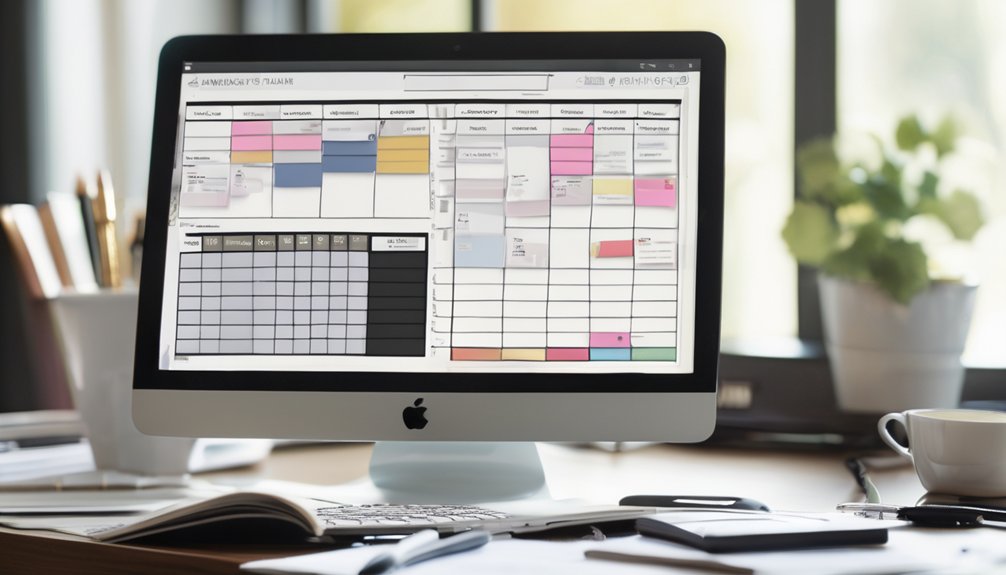
Before you choose a planner, compare the features that affect how you actually work: task management, calendar syncing, reminders, sharing, and device access.
You’ll want a system that keeps your priorities visible and lets you update them fast. Check whether tasks support labels, subtasks, or recurring entries, since those details shape daily flow.
Strong calendar syncing helps you avoid double-booking, while reminders keep commitments from slipping. If you plan with others, sharing controls and comment tools matter.
Also, make sure the app works smoothly on the devices you use most. These feature comparisons help you match the tool to your user preferences, so you can feel confident you’re choosing a planner that fits your routine and helps you stay connected.
Best Online Planner Tools for Different Needs
Which planner works best depends on how you actually plan your day. If you want simple digital organization, choose a clean planner with calendar views and quick task entry.
If you juggle work and personal goals, pick one that links projects, notes, and reminders so you can stay with your people and your priorities.
For deep focus, use a planner with time blocking and productivity hacks like recurring tasks and smart alerts.
If your team needs shared visibility, select a collaborative tool with permissions and comments.
If you prefer flexibility, a customizable planner lets you shape layouts around your habits.
The best choice isn’t the most popular one; it’s the one that fits your rhythm, supports consistency, and helps you feel in control together with your goals.
How to Set Up Your Planner Workflow
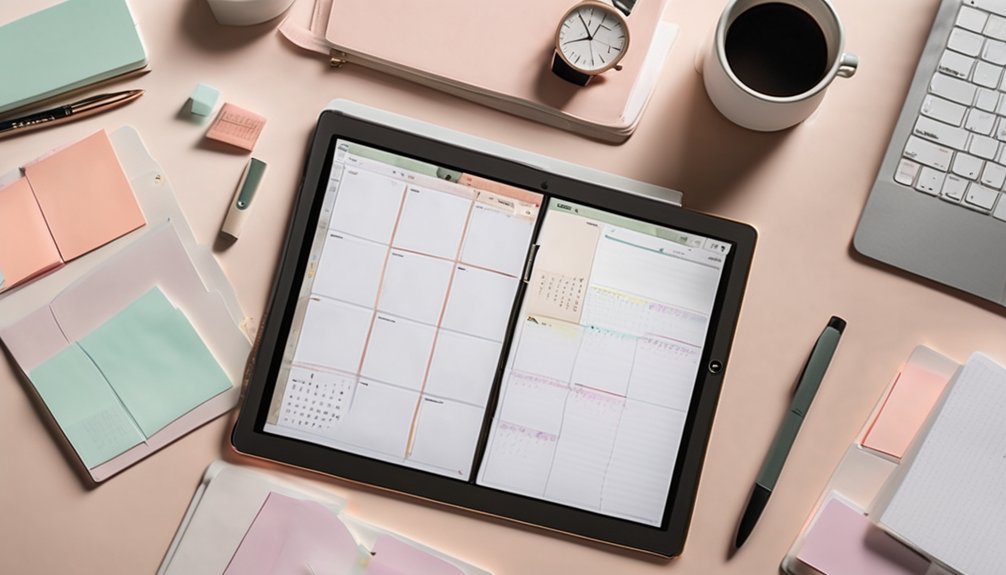
Set up your planner workflow by defining one clear place for capture, one for planning, and one for review. You’ll keep planner organization simple when each task has a home and you know where to look first.
Start with a daily inbox for ideas, then move items into weekly and monthly views. This structure helps you see priorities without feeling scattered.
Next, choose workflow customization options that match how you think: tags, color labels, recurring tasks, or templates. Keep your setup consistent so you can build trust in the system and feel part of a routine that works.
Finally, review your plan at the same time each day or week. That habit lets you adjust quickly, stay focused, and move forward with confidence.
Common Online Planner Mistakes to Avoid
Even the best online planner can fail if you make it too complex, inconsistent, or passive. You might add too many lists, labels, and colors, then lose planner organization fast.
Keep your system simple so you can trust it daily. Don’t ignore the user interface; if it feels clunky, you’ll avoid it and miss tasks.
You also shouldn’t copy someone else’s method without adapting it to your routine. Choose tools that match how you actually work, so you feel at home using them.
Finally, review your planner often. If you don’t update tasks, your plan turns stale and the whole system slips.
Stay active, stay clear, and your planner will support you, not frustrate you.
Conclusion
Online planner tools can feel simple, yet they do a lot: they turn scattered tasks into clear action and busy days into focused progress. You save time by planning less and doing more, but only if you choose the right features and avoid clutter. Sync your calendar, set priorities, and review your workflow regularly. When you pair flexibility with structure, you don’t just stay organized—you stay ahead.