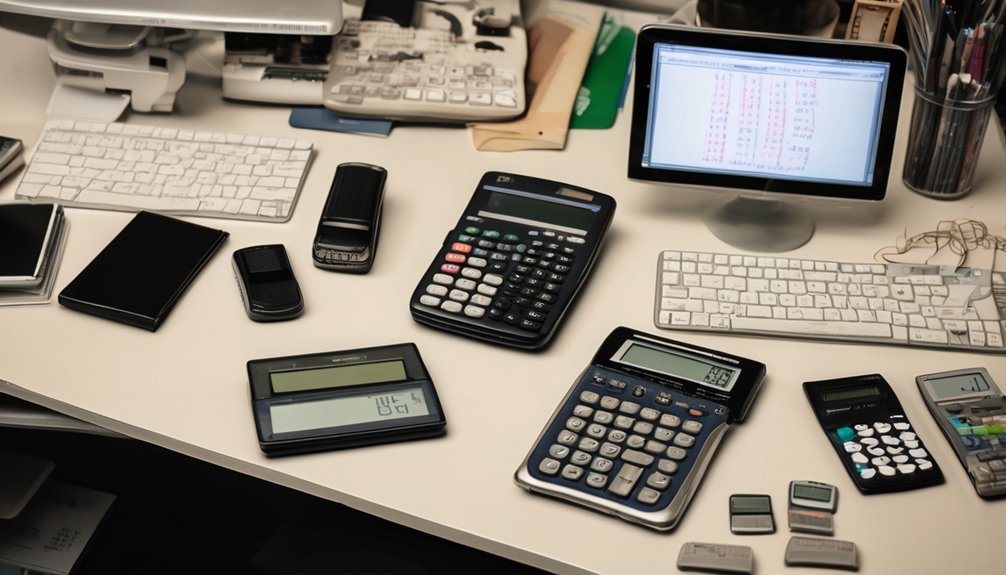
How to Choose the Right Calculator for Any Task
Nearly 60% of people buy a calculator with more functions than they ever use. You can avoid that mistake by matching the tool to your main task first, then checking the display, key layout, memory, and power source. A basic model may be enough for everyday math, while scientific, graphing, or financial options suit specific work. The right choice can save time, reduce errors, and make one detail matter more than you might expect.
Key Takeaways
- Match the calculator type to your main task: basic, scientific, graphing, or financial.
- Choose a clear display and easy-to-read keypad to reduce mistakes during use.
- Consider portability, power options, and size if you need to carry it often.
- Prefer simple, task-focused features that save time without adding unnecessary complexity.
- Check memory, function layout, and accuracy to support your goals efficiently.
Start With Your Main Use

What’ll you use your calculator for most often? Start there, because your main use should guide every choice.
If you’re balancing budgets, tracking measurements, or handling specialized equations, different calculator types fit different jobs.
Compare the features you actually need against your user preferences, such as button size, display clarity, and portability.
Compare the features you actually need with your preferences, like button size, display clarity, and portability.
You don’t need the most advanced model; you need the one that supports your routine without slowing you down.
Make a short list of tasks, then match each task to the functions it requires.
When you choose this way, you’ll feel confident, included, and ready to work with a tool that fits your daily life.
Basic Calculators for Everyday Math
A basic calculator is often the best choice for everyday math because it lets you add, subtract, multiply, and divide quickly without extra distractions. You can rely on its basic functions for everyday tasks like checking receipts, splitting bills, budgeting groceries, or confirming measurements.
Look for large, easy-to-read buttons, a clear display, and a layout that feels comfortable in your hand. When you choose a simple model, you join countless people who want speed, accuracy, and ease without unnecessary features.
You don’t need more complexity for common calculations; you need a tool that works when you do. Pick a calculator that fits your routine, and you’ll handle daily math with confidence and less stress.
Scientific Calculators for Advanced Functions
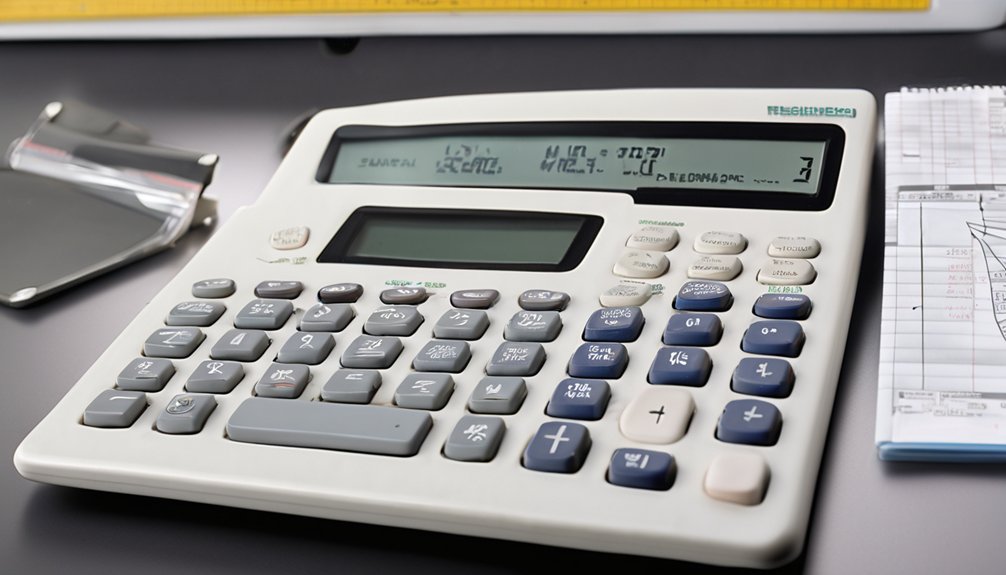
When you need more than basic arithmetic, a scientific calculator gives you the functions to handle algebra, trigonometry, exponents, logarithms, and other advanced calculations with confidence.
You can solve problems faster when you know where each key sits and how it supports your work. Use scientific notation for very large or tiny numbers, switch between degrees and radians for trigonometric functions, and rely on logarithmic calculations for growth, decay, or scaling.
Many models also support statistical analysis, so you can find means, standard deviations, and regression values without extra tools.
Choose a calculator with a clear display, memory functions, and a layout that feels familiar. When you select one that matches your coursework or job, you’ll feel prepared and part of a capable, math-ready community.
Graphing Calculators for Visual Problem-Solving
Graphing calculators turn equations into pictures, helping you see slopes, intersections, zeros, and other key features at a glance. You can test functions, compare curves, and spot patterns that are hard to notice in tables alone.
Use visualization techniques like zooming, tracing, and adjusting window settings to focus on the range that matters. Strong graphing capabilities let you check solutions quickly, verify homework, and explore how one variable changes another.
If you learn with visuals, this tool helps you feel part of the problem-solving process, not stuck outside it. Choose a model with a clear screen, easy menu navigation, and reliable graphing tools so you can move from idea to insight with confidence.
Financial Calculators for Money Math

Financial calculators help you handle interest rates, loan payments, savings growth, and investment returns without doing every formula by hand. You can compare interest rates, test loan calculations, and see how extra payments change your balance.
Use investment analysis features to estimate future value, compare account options, and check whether a rate fits your goals. Many models also include budgeting tools that help you track spending, plan monthly contributions, and stay on target with savings goals.
If you need tax estimations, choose a calculator with built-in rate and bracket functions, so you can review likely amounts quickly. Pick one that matches your routine, and you’ll feel confident making money decisions with less stress and more control.
Choose by Your Main Use
Start with how you’ll use the calculator most often. If you match calculator types to your main task, you’ll feel confident and supported, not stuck with features you don’t need.
Focus on your daily work and choose the user experience that fits it best.
- For homework, pick a basic model.
- For algebra or science, choose a scientific calculator.
- For budgeting, use a financial model.
- For engineering or coding, select a graphing calculator.
- For quick everyday math, choose a simple pocket calculator.
When you buy for one main use, you avoid confusion and stay in a group of users who chose well.
You don’t need the most advanced option; you need the right one for your routine.
Compare Display, Memory, and Function Keys
Next, compare the display, memory, and function keys, because these features shape how easy the calculator is to read and use. You’ll see different display types, from basic LCDs to larger backlit screens, and each affects visual clarity in bright or dim settings.
Check memory capacity if you save intermediate results often; more memory helps you track steps without retyping. Then study the function layout: clear grouping reduces mistakes and keeps your workflow smooth. A tidy user interface with well-labeled keys makes you feel confident fast.
Also, test button ergonomics, since responsive keys and comfortable spacing support accurate input during long sessions. When these elements work together, your calculator feels like part of your toolkit, not a barrier.
Match the Display and Keypad to Your Needs
Once you’ve compared the display, memory, and function keys, make sure the calculator’s layout matches how you work. Your display preferences should make numbers easy to read at a glance, so choose a screen that reduces strain and shows entries clearly.
Then check the keypad layout so your most-used keys sit where your fingers expect them. You’ll work faster when the controls feel natural.
- Pick a screen size that suits your eyes.
- Choose large, distinct digits for quick checks.
- Look for spaced keys to reduce mistakes.
- Keep common functions within easy reach.
- Test the layout before you buy.
When the display and keypad fit your habits, you belong with a tool that supports your rhythm and keeps every calculation smooth.
Check Power, Size, and Carrying Ease
If you carry your calculator often, check how it’s powered, how much it weighs, and whether it fits easily in your bag or hand.
Choose a model with battery life that matches your routine, or a solar option if you work near light and want better power efficiency.
Test the size in your palm and measure it against your pouch, laptop sleeve, or desk setup so it feels like it belongs with your gear.
Lighter calculators improve portability options, but don’t sacrifice a solid grip or stable buttons.
If you travel between classes, meetings, or job sites, pick one that slips in fast and stays protected.
When the calculator feels easy to carry, you’ll reach for it more confidently every day.
Skip Features You Won’t Use
Extra features can raise the price without improving how you actually use the calculator. Match the model to your real tasks, not to flashy extras. When you compare calculator types, focus on user preferences and daily needs, so you feel confident you picked the right fit.
- Skip graphing if you only need basic math.
- Avoid programmable memory if you won’t save formulas.
- Don’t pay for solar power if batteries suit you.
- Leave out scientific functions you rarely touch.
- Choose fewer modes if a simple layout helps.
A calculator that fits your routine feels easier to trust, and it helps you belong with the tools your work actually demands.
If a feature won’t save time, reduce errors, or support your goals, leave it out.
Frequently Asked Questions
Which Calculator Is Best for Programming and Coding Tasks?
You’ll usually want a graphing calculator with programming languages support, like Python or BASIC. It lets you automate tasks, test code, and visualize data, so you’ll fit right into serious coding workflows.
Are Calculator Apps as Reliable as Physical Calculators?
Yes, calculator apps can be reliable, but you should compare calculator app advantages and calculator app limitations. You’ll get convenience and updates, yet you may face distractions, battery issues, or input errors versus a dedicated physical calculator.
How Long Do Calculator Batteries Usually Last?
You’ll usually get years from calculator batteries—because nothing says excitement like a device that outlasts your motivation. Battery types matter: coin cells last longer than AAA’s, and heavy usage frequency can shorten life fast.
Can One Calculator Handle Both Statistics and Finance?
Yes, you can choose one calculator with statistics features and finance functions, but you’ll want to check both carefully. You’ll feel confident when it handles your needed calculations quickly, accurately, and comfortably.
What Brands Make the Most Durable Calculators?
Reliable brands include Casio and Texas Instruments; Casio durability and Texas Instruments reliability are well known. You’ll fit in with students and pros who trust them. As the saying goes, buy once, cry once.
Conclusion
So, you’ve seen the grand calculator safari: basic for sums, scientific for brainy chaos, graphing for the visual overachiever, and financial for money worries dressed up as math. Your job is simpler than the marketing circus suggests. Pick the tool that fits your real tasks, not your fantasy life. Check the display, keys, power, and size. Skip the flashy extras. Choose well, and your calculator won’t judge your competence every time you press “=” with a little dramatic hope.